📲
Send videos from phone
Select a video on your Android phone and transfer it to your Wear OS watch.
Piley helps you send MP4 videos from your Android phone to your Wear OS watch, so you can watch videos offline directly from your wrist.
Built for Wear OS users who want a simple way to transfer and play videos on a smartwatch.
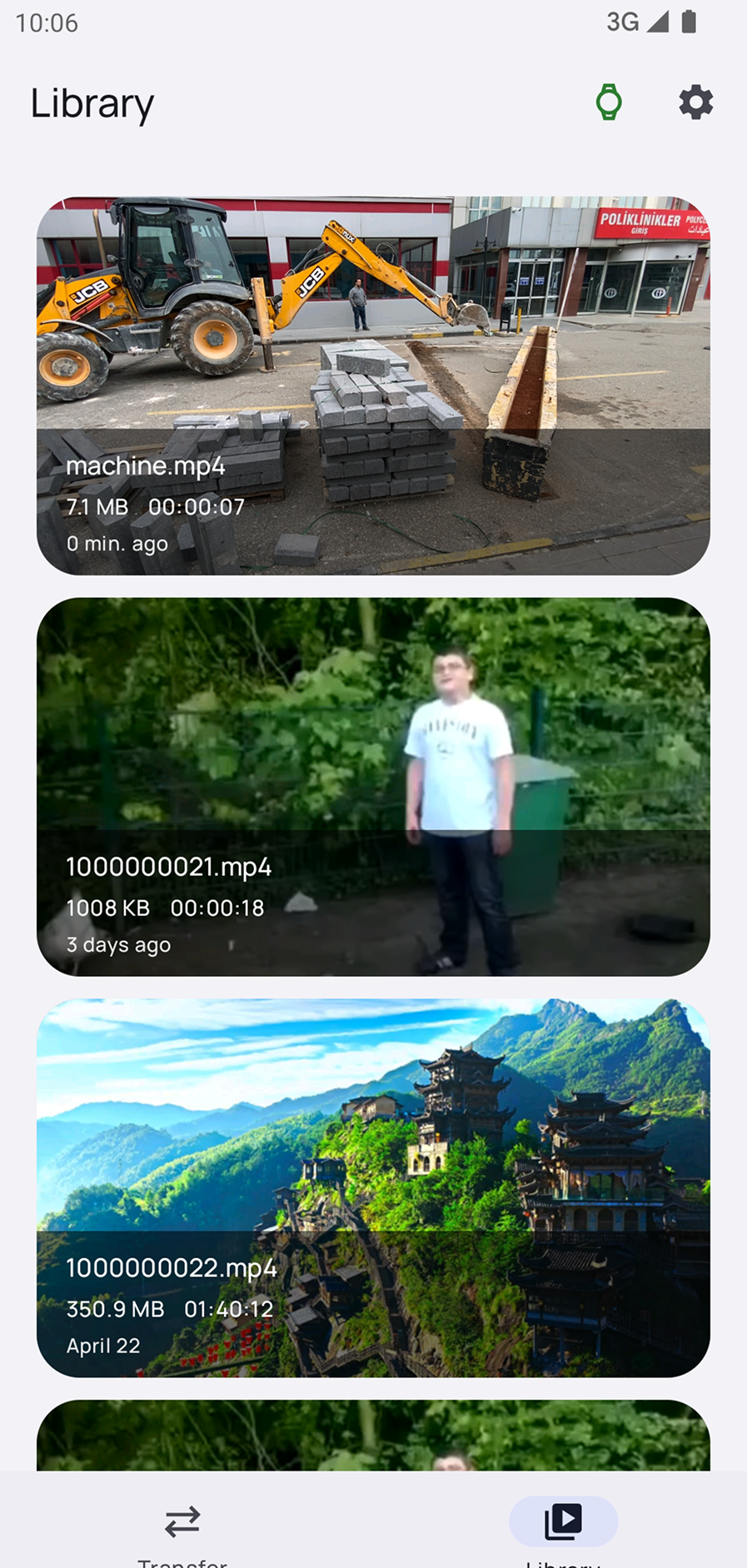

Piley focuses on one clear use case: sending videos to your smartwatch and watching them easily on a small screen.
Select a video on your Android phone and transfer it to your Wear OS watch.
A clean watch interface designed for round and small smartwatch screens.
Play, pause and control videos directly from your smartwatch.
Watch transferred videos without needing to stream from the internet.
Adjust the viewing experience for a better fit on your watch screen.
Keep your watch storage cleaner by deleting videos when you no longer need them.
You do not need a complicated setup. Piley makes the process simple.
Install Piley on your Android phone and Wear OS smartwatch.
Choose an MP4 video from your phone.
Transfer the video to your Galaxy Watch or Wear OS smartwatch.
Open the video on your smartwatch and watch it offline.
Piley is designed for people who want to watch videos on a smartwatch, play MP4 videos on Wear OS, send videos to a Galaxy Watch, or use an offline video player on their wrist.
Whether you want to watch short clips, personal videos, tutorials or saved media, Piley gives Wear OS users a simple phone-to-watch video experience.
Common questions about watching videos on Wear OS and Galaxy Watch.
Yes. With Piley, you can send videos from your Android phone to your Wear OS smartwatch and watch them directly on your wrist.
Yes. If your Galaxy Watch runs Wear OS, you can use Piley to transfer videos from your phone and play them on the watch.
Yes. After the video is transferred to your watch, you can watch it offline without streaming.
MP4 is usually the best option for smartwatch video playback.
Yes. Piley is a video player app made for Wear OS smartwatches.
Send videos from your phone and watch them offline on your smartwatch.
Download Piley